


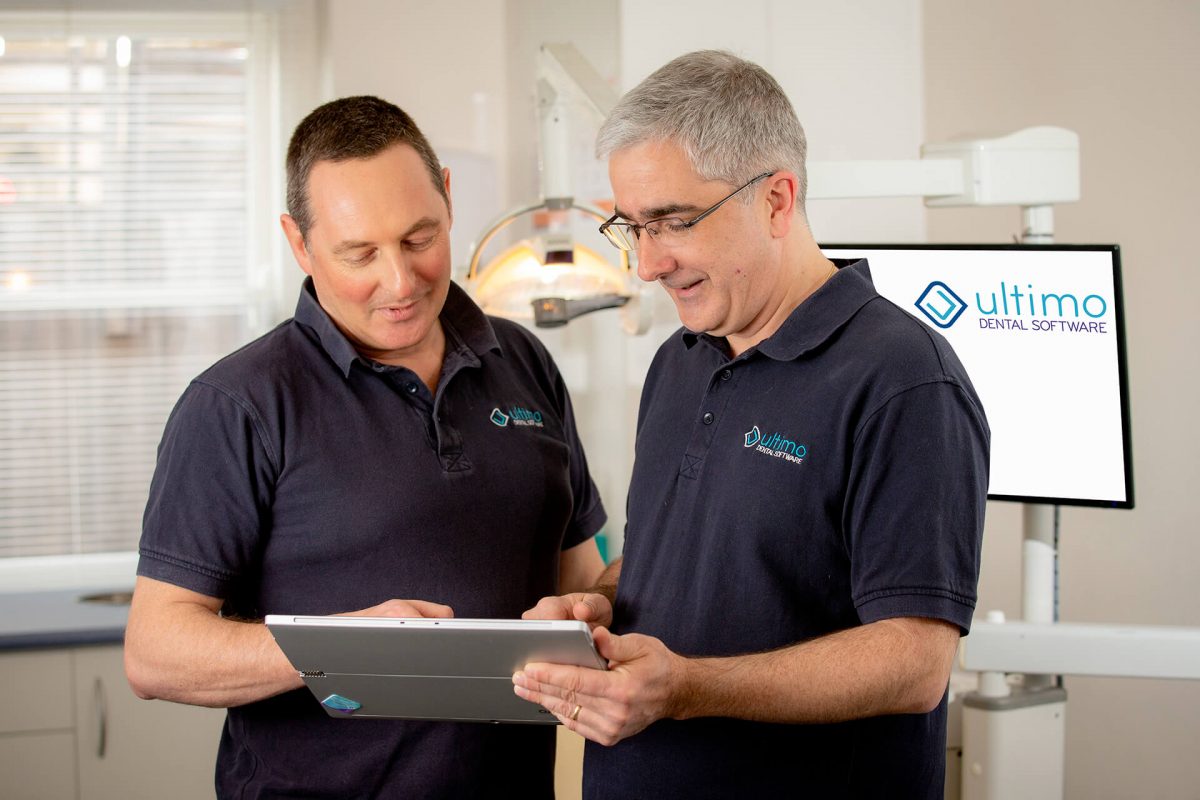
How dental practices can reduce missed appointments, enhance patient engagement and lighten administrative load with automation
Why Missed Appointments Matter
Missed or unconfirmed appointments are more than just an inconvenience—they hit practice performance and profitability. For example:
- A study of an Australian university dental clinic found that over a 5-year period 6.6% of booked appointments were “failed to attend (FTA)” (i.e., no notice) and 23.4% were cancelled. (GRO)
- Although this was a teaching-clinic rather than a purely commercial private practice, the principle is transferable: lost appointment slots mean lost revenue and inefficient use of clinician time.
- In the context of private dental practices, every non-attended slot is a lost opportunity — for treatment, for revenue, and for building long-term patient loyalty.
For Australian dental practices in particular, minimising non-attendance is critical — not just for operational efficiency, but for financial health and patient satisfaction.
The Psychology of Effective Patient Communication
Getting the message to stick and prompt action isn’t just a logistical exercise—it involves understanding how patients think and behave. A few key psychological levers:
- Reminder salience: People forget. A timely reminder (via SMS, email or notification) brings the appointment back into focus. For example, one Australian study found the introduction of SMS reminders reduced FTAs by 14 %. (PubMed)
- Commitment & consistency: If patients are asked to confirm (Yes/No) they feel a stronger commitment. If they click a confirmation link or respond to a reminder, they are more likely to attend.
- Ease & convenience: The simpler you make the action (e.g., “Reply YES to confirm” or “Click to reschedule”), the more likely patients will comply.
- Personalisation & relevance: A message addressed by name, referencing the treatment type (e.g., “Your hygiene visit tomorrow at 10am”) makes it more meaningful.
- Timing: Reminders too early may be forgotten; too late may not allow the patient to act. Generally a reminder 24 hours ahead (or 48 hours plus a follow-up) is effective in many dental settings.
- Channel preferences: People differ in how they like to be contacted. Some favour SMS, others email or app‐notification. Matching to patient preference increases engagement.
By leveraging these behavioural cues, practices can significantly improve attendance rates, boost patient satisfaction and build stronger practice-patient relationships.
Key take-aways for dental practices:
- SMS is a “workhorse” channel for appointment reminders and confirmations because of its immediacy.
- Email is useful for richer communications—pre-appointment instructions, post-visit follow-ups, recall campaigns.
- App notifications can be the highest-value medium (if you have the ecosystem) but only if patients are onboarded to your practice’s app, and they accept notifications.
From an automation perspective, selecting the right channel — and ideally using a combination of channels depending on patient preference — improves reach and response rates.
How Automation Reduces Administrative Workload
Automating patient communications delivers major benefits for the dental practice team:
- Frees up staff time: Instead of manually calling or texting patients, the system sends reminders, handles confirmations/reschedules and escalates non‐responders automatically.
- Reduces booking churn: Automated workflows can detect unconfirmed appointments, automatically send follow-ups or trigger “did not show” workflows.
- Improves recall management: Automatic recall notifications (e.g., “It’s been 12 months since your last hygiene visit”) keep patients in the care cycle without the team manually identifying and contacting them.
- Enhances data capture and tracking: Automation systems log responses, track no-shows, record confirmations and integrate with the practice management system for reporting.
- Boosts revenue potential: By improving attendance, reducing no-shows and keeping patients in recall, practices maximise utilisation of clinician time and treatment pipeline.
In short: automating communications not only improves the patient-experience, but makes the backend practice operations leaner, more predictable and more profitable.
Setting Up Effective Communication Workflows in Ultimo Dental Software
For users of Ultimo, here are some steps and workflow suggestions to implement smart patient communication automation:
- Segment your patient list and set preferences
- Within Ultimo, assign a preferred contact method (SMS / email / app) for each patient.
- Mark recall intervals, treatment types and appointment categories for tailored messaging.
- Set appointment-reminder workflows
- e.g., automatically send an SMS 24 hours before an appointment with: “Hi [Name], your appointment at [Practice] is scheduled for [Date/Time]. Reply YES to confirm, or call us to reschedule.”
- If no response after X hours, send a follow-up message (email or SMS) or alert staff for manual contact.
- On a confirmed reply, update the appointment status in Ultimo automatically.
- Build recall/recall-notification workflows
- Trigger a message when a patient hits their recall due date (e.g., 12 months since last hygiene).
- Example: “Hi [Name], it’s been 12 months since your last hygiene visit. Please book now to keep your smile healthy.”
- Include a link to scheduling or to an online booking portal integrated with Ultimo if available.
- Automate post-appointment engagement
- Upon completion of an appointment, automatically send a thank-you message with a short feedback link or review prompt.
- If treatment is recommended, send an automated message after some days: “Hi [Name], just check in – if you’d like to proceed with your recommended treatment, we’re happy to arrange a convenient time.”
- Monitor and adapt
- Use Ultimo’s reporting capabilities to track open rates, confirmation rates, no-show rates and recall compliance.
- Identify patterns (e.g., patients who repeatedly no-show) and apply special workflows (e.g., extra reminder, phone outreach).
- Adjust timing, channel or message content based on what works best for your patient base.
- Ensure integration and clean data
- Verify that the system synchronises patient contact details, appointment status, message history and responses seamlessly.
- Ensure staff maintain accurate patient data (mobile number, email, contact preference) so that automation is reliable.
By embedding these workflows into Ultimo, dental practices can transform reminders, recalls and engagement into largely self-running systems — freeing up staff, reducing missed appointments and building patient loyalty.
Privacy & Compliance Considerations in Automated Communications
When automating patient communications in Australia, privacy is non-negotiable. A few key points:
- Ensure you comply with the Privacy Act 1988 and any relevant health-privacy regulations (e.g., keeping patient data secure, obtaining consent for electronic communications).
- Obtain express consent for SMS, email or app notifications if required: patients need to opt in for receiving reminders and messages.
- Message content must avoid sensitive information: e.g., using generic language like “Your appointment is scheduled for tomorrow at [Time]” rather than specifying treatment details.
- Use secure systems for data storage and transmission: encryption at rest and in transit, secure logging of messages and responses.
- Provide clear opt-out instructions: e.g., “Reply STOP to unsubscribe from reminders”.
- Keep audit trails: record what messages were sent, when, to whom, and any responses or failures.
- Align with practice privacy policy: ensure your policy addresses electronic communications, data handling and retention.
By respecting privacy and security, you build trust with patients, comply with regulatory obligations and reduce the risk of data breaches or complaints.
Conclusion
For Australian dental practices using Ultimo Dental Software, the shift toward smart, automated patient communications is not just a nice-to-have — it’s a strategic imperative. By reducing missed appointments, simplifying administrative workflows, enhancing patient engagement and safeguarding privacy, your practice can operate more efficiently, maximise revenue and build stronger relationships with patients.
The right combination of channel-choice (SMS, email, app), behavioural psychology, workflow automation and privacy safeguards will set your practice up for success. Start with a pilot (e.g., one reminder workflow), measure results, iterate and scale.
Need help tailoring the workflows in Ultimo or crafting message templates that engage? I’d be happy to assist further.
